Harvest & yield
Harvest tracking + mid-season yield estimates for vineyards.
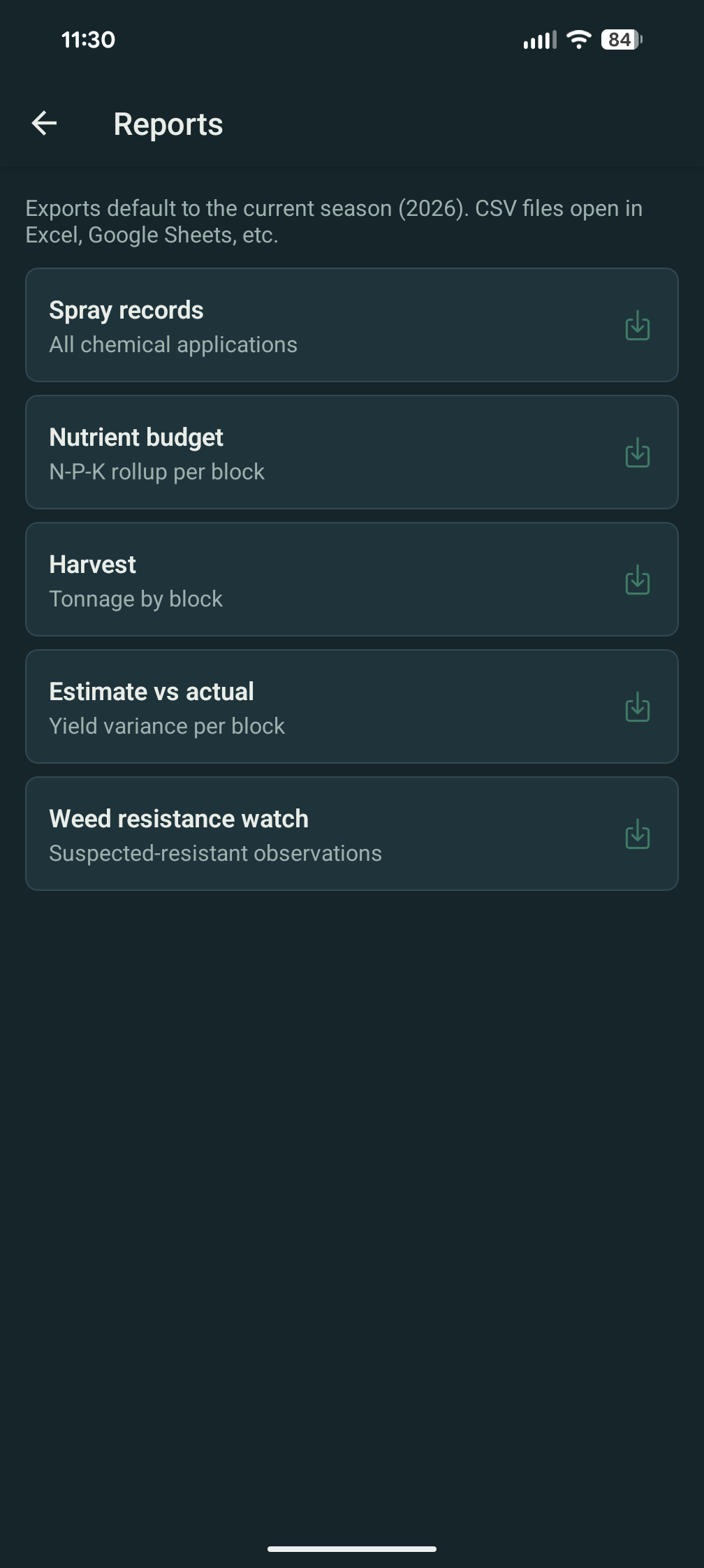
Capture every container as it leaves the block — tare, gross, net, destination, and the contract it ties to. Run mid-season yield estimates from cluster sampling and watch the projected tonnage update against actuals as the pick progresses. The estimate-vs-actual variance report is the same one your buyer and your banker want to see.
Pick day to settlement
The whole season, in tonnage.
-
Container-by-container harvest events
Each lug, half-ton bin, or macrobin is its own harvest event with timestamp, block, container type, gross weight, tare, and net. PHI block check fires before save — if any product applied to that block has a still-active pre-harvest interval, the form refuses the entry until you acknowledge.
-
Mid-season cluster sampling
Walk a representative count of vines per block, count clusters, weigh a sample, and Vinifera projects forward. Average cluster weight × clusters per vine × vines per acre × acres = projected tons. Pick your own sample size per estimate — three vines, five, ten, whatever fits the block.
-
Projected tons + tons/acre
The block dashboard shows projected tons, projected tons/acre, and the historical comparison if you've run Vinifera through prior seasons. The numbers update every time a new sampling event syncs.
-
Container types built in
Lugs, half-ton bins, macrobins, gondolas, and "other" (free-text). Each type has a default tare you can override per event. The destination field tracks where the container went — winery dock, custom-crush facility, or your own crush pad.
-
Crew tracking
Tag the crew or individual picker on each container for productivity reporting. On the Business tier, a piece-rate labor entry can be auto-derived from the container count — see budget & financials for the labor flow.
-
Contract tagging
Each event tags to a buyer contract from contracts. As pick day progresses, projected revenue per contract updates live. Reassign mid-pick by dragging the container row — useful when a buyer's bin truck shows up unexpectedly.
Harvest is on Free; yield estimates are on Pro.
Free tier covers harvest event capture with PHI checks — the safety-critical pieces. Pro adds yield estimation, CSV exports, and unlimited history. Combine with the contracts module for projected revenue per buyer, or the Business budget surface for profit per block.
FAQ — harvest & yield
What growers usually ask.
What container types are supported?
Lug, half-ton bin, macrobin (with sub-types for the common 1/2-ton and 1-ton variants), gondola, and an "other" type that takes a free-text label and a default tare. New types arrive as growers ask — email support if your operation uses something we haven't built in.
Can I correct a weight after the fact?
Yes. Any harvest event can be edited; the audit log records the original value, the corrected value, and who made the change. The tonnage report and the contract-progress rollup re-run on save. Common use case: the dock printout from the winery doesn't match what you wrote down. Edit, attach a photo of the printout for evidence, save.
How does the estimate math work?
Average cluster weight comes from the sample (sum of weighed cluster weights ÷ count). Clusters per vine comes from the walk count. Vines per acre is fixed for the block from the planting record. Multiply and you have projected tons/acre; multiply by acres to get tons. The projection updates as more sample events land — early-season estimates are coarser; veraison-week estimates are typically within 5–8% of actual for established blocks.
Can two varieties on the same block be tracked separately?
Yes. A block can have multiple plantings with different varieties; harvest events tag to a planting, not just a block. Estimate math runs per planting. Useful for interplanted blocks and for blocks with a varietal replant in progress.
What if a container is rejected at the dock?
Mark the event with a "rejected" status and a reason code. Rejected tons drop out of the projected-revenue rollup but stay in the harvest record so the block's yield history is still complete. The reason code is useful for end-of-season analysis — were rejections clustered in one block, one crew, one buyer?