Contracts
Buyer contracts and reconciliation for grape growers.
Most commercial grape contracts are still tracked in a spreadsheet that lives in one person's email. Vinifera moves them into the field-of-record. Each buyer contract has target tons, a price per ton, and a window. Harvest events tag back to a contract, projected revenue rolls up live as picks come in, and paid reconciliation closes the loop after settlement.
What gets tracked
Per buyer, per block, per ton.
-
Per-buyer contracts
Add a contract per buyer with target tons, price per ton, payment terms, harvest window, and the blocks it draws from. One vineyard can run a dozen contracts across a season; one block can span more than one contract — see the FAQ for that.
-
Harvest events tag to contracts
Every harvest event captured in harvest & yield carries a contract assignment. The pick is decremented from the contract's remaining-tons counter as soon as the event syncs. Edit the harvest event to reassign it to a different contract if the pick destination changes mid-run.
-
Projected vs. paid revenue
Live projected revenue rolls up as harvest events accrue: tons × price per ton, summed across contracts. After settlement, mark the buyer's payment paid (or partial) and the report shows the variance — projected was X, paid was Y, here's the delta.
-
Allocated cost rollup — Business
On the Business tier, every spray, labor entry, and lot cost on a block-pickle to that block's harvest events, and from there to the contract those events fed. The output is profit per contract, not just revenue per contract. The budget surface page covers the full cost-allocation pipeline.
-
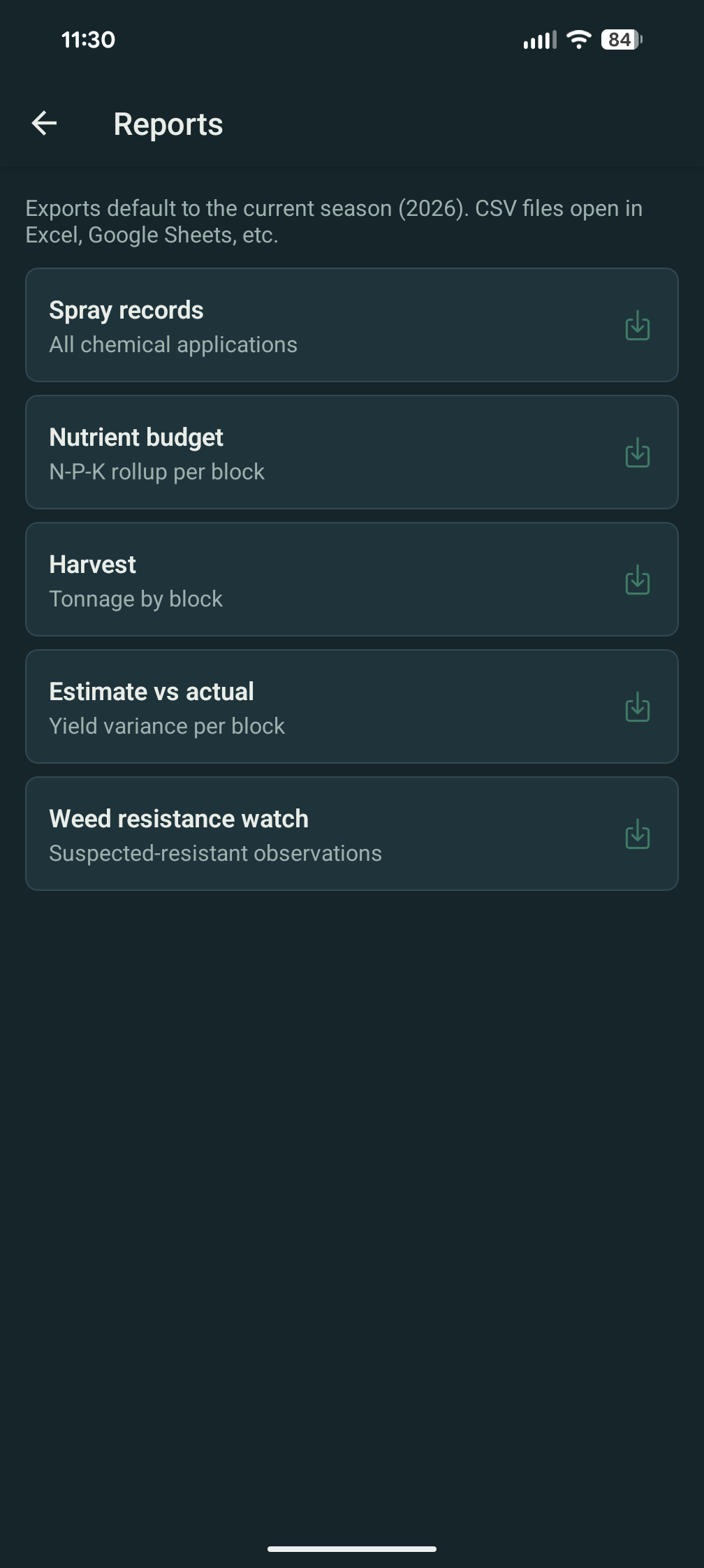
CSV export for the buyer
Export the per-contract harvest manifest, the picked tons, the paid reconciliation status, and any quality data captured at the scale. CSV columns shaped for the kind of settlement statement most wineries already produce — easy to drop into theirs or send back at audit.
-
Contract progress on the home screen
A "contracts" tile on the home screen shows target-vs-projected progress per buyer for the active season — the same way the alerts tile shows weather. No separate dashboard to navigate to during pick week.
Contracts is on Pro.
Buyer contracts are part of the Pro plan. Business adds the cost-allocation rollup that answers "did we make money on this contract" — see the budget surface.
FAQ — contracts
What growers usually ask.
What plan do I need?
Pro or Business. Contracts moved from Business to Pro on 2026-05-06. Pro gives you contracts, harvest tagging, projected-vs-paid revenue, and the CSV export. Business adds the full cost rollup that turns those numbers into profit per contract.
Can I have multiple contracts per block?
Yes. A block can feed two or more contracts in the same season — say, the first 4 tons go to the small estate buyer at a premium and the rest go to the bulk contract. Each harvest event gets a contract assignment; the assignment can be different for each container.
What if a buyer pays a flat amount that doesn't tie to tonnage?
Use a flat-fee contract. Target tons becomes a soft number — for crop forecasting — but the paid reconciliation records a flat amount instead of price × tons. Variance math switches to "fee paid" vs. "fee expected." The reporting surface handles both modes side-by-side.
Can I export the manifest for the buyer?
Yes. The CSV export per contract gives the buyer the harvest manifest with date, block, tons, container type, and any quality samples (Brix / pH / TA) captured at the pick. Most wineries can drop it straight into their settlement statement.
Can two scouts on the same vineyard see contracts?
Contracts are visible to the Manager and Owner roles by default; the Scout role does not see financial data, including buyer prices. See the role-permissions notes on scouting and spray records for the full role split.