Budget & financials
Vineyard budget and financials — Business tier.
The Business plan unlocks the full Epic 15 surface: Expense, Income, LaborEntry, VineOrder, EquipmentItem, and BudgetPlan — backed by per-block cost rollups, receipt OCR, and an asset book-value tile that runs straight-line depreciation for you. It's not QuickBooks. It's not your accountant. It's the field-of-record for every dollar that moves through the vineyard, ready to hand to either of them at year end.
Eight surfaces, one ledger
The whole budget, on a phone.
Every dollar enters the system at the point it happens — the spray, the labor day, the vine order, the equipment receipt — and rolls up through one ledger. No double entry, no copy-pasting between spray records and a cost spreadsheet at the end of the month.
-
Expense ledger
Capture an Expense from a receipt photo or by hand. The Azure Document Intelligence OCR pre-fills supplier, amount, and line items. Categorize against a vineyard chart of accounts (sprays, fertilizer, labor, equipment, facilities, professional services). Tag to a block to drive the per-block rollup.
-
Income tracking
Income captures buyer settlements (rolled up from contracts reconciliation), custom-farming revenue, and miscellaneous receipts. Each income row tags to the source contract or block where relevant — the same dimension as expenses, so net contribution per block is a real report.
-
Labor entries
Either time × rate (clock-in / clock-out for hourly crew) or piece-rate (containers picked, vines pruned, cordons trained). Tag a labor entry to a block to feed the per-block cost rollup; tag to an equipment item to feed fuel + maintenance allocation.
-
Vine orders + cost-per-vine
Track the vine order itself — variety, rootstock, quantity, supplier, delivery — and Vinifera derives a cost-per-vine from the order subtotal divided by the quantity (with shipping allocated). When the planting event lands, the per-vine cost flows into the block's establishment cost.
-
Equipment + auto-depreciation
Every EquipmentItem has a purchase price, in-service date, useful life, and salvage value. Vinifera runs straight-line depreciation against the schedule and surfaces the current book value on the asset tile. Depreciation is a suggestion, not a tax filing — see the FAQ.
-
Budget plans + variance
Build a season budget per category and per block, save it as a BudgetPlan, and track actual vs. plan all season. Variance flags fire when a category overruns by more than your tolerance — early enough to act, not at year-end.
-
Asset book value tile
Home-screen tile shows total asset book value across Equipment + Vine establishment cost (vines amortizing over their productive life). Useful for the bank conversation and the insurance renewal both.
-
Year-end CSV bundle
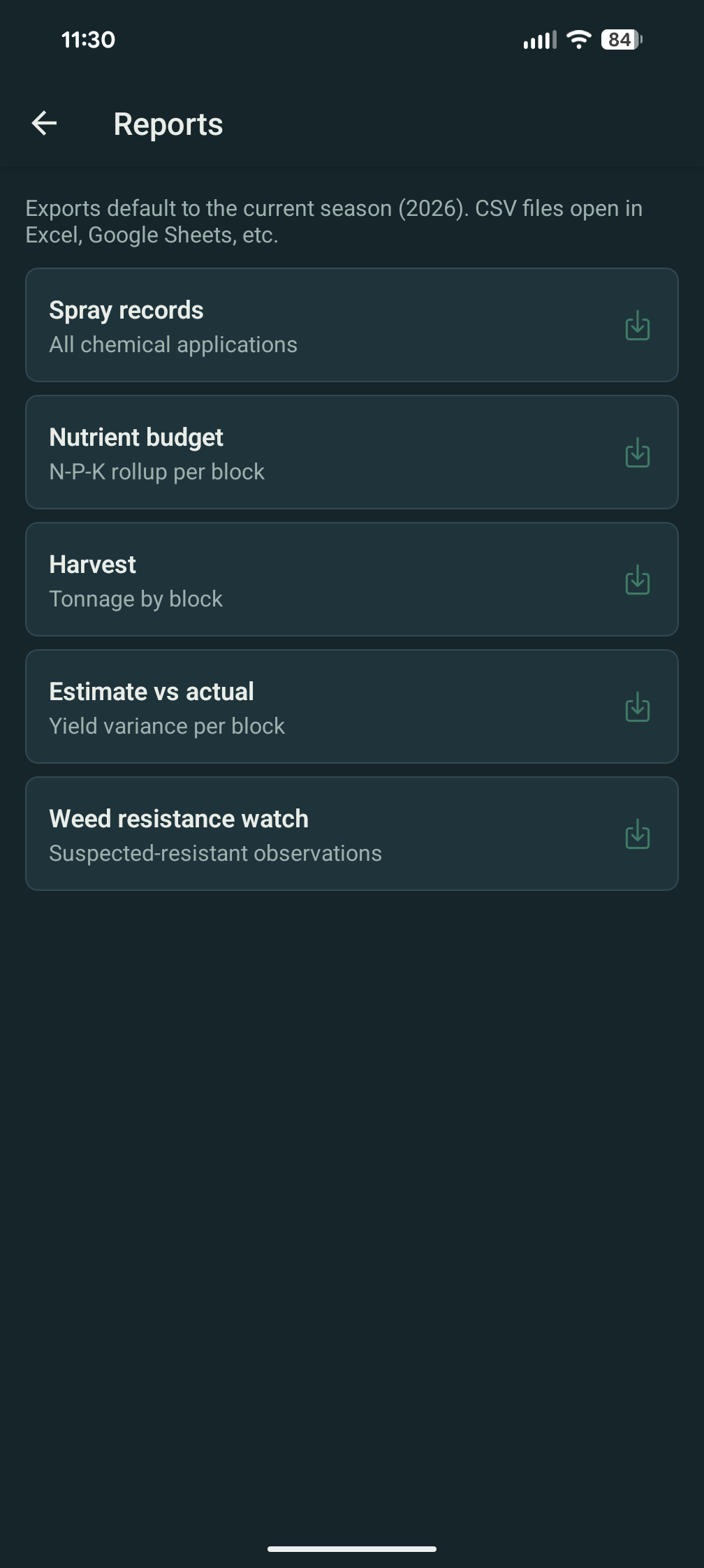
One click exports the year-end bundle: Expense ledger, Income ledger, LaborEntry list, VineOrder list, EquipmentItem schedule with depreciation, BudgetPlan actuals. Drop it in your accountant's email — they'll know what to do with it.
The full surface is Business-only.
Budget tracking is a single entitlement key
(budget.tracking) that gates the entire epic
— Expense, Income, Labor, VineOrder, Equipment,
BudgetPlan, the per-block rollup, and the year-end CSV.
Free and Pro see no UI for any of it. The 30-day Business
trial auto-applies on first vineyard creation, so you can
test-drive everything before deciding. See the
entitlement matrix for the full
split.
FAQ — budget & financials
What growers usually ask.
Does this replace QuickBooks?
No. Vinifera is the field-of-record for vineyard ops — expenses, income, labor, equipment, budget plans. It doesn't issue invoices, doesn't run payroll, doesn't file 1099s, doesn't reconcile a bank account. Most operations keep QuickBooks (or Xero, or a CPA) for the accounting layer and use Vinifera for the operational detail behind it. The year-end CSV bundle is shaped for that hand-off.
Can I import a bank feed?
No, by design. Bank-feed imports drag the support surface into "why is this transaction miscategorized" triage that we don't think serves the operator. Capture each expense at the moment it happens — by photographing the receipt at the supplier, on the row, with the OCR running — and the categorization stays clean.
Does it produce tax forms?
No. Vinifera doesn't generate Schedule F, doesn't issue W-2s, doesn't print 1099s. The year-end CSV bundle is shaped for your CPA to use as source data when they prepare your filing. Tax forms are the accountant's domain; we stay in operations.
How does depreciation work?
Straight-line, as a suggestion. Equipment carries a useful life and salvage value; Vinifera divides the depreciable basis evenly across the life and reports book value on the schedule. If your CPA prefers MACRS, Section 179, or a different method for tax purposes, that's between them and your filing — Vinifera's number is the operational book value, not the tax basis.
How does per-block cost work with FIFO inventory?
The FIFO cost walker resolves a chemical lot for every spray, the spray tags to a block, and the block accumulates that lot's cost in its rollup. Same for fertilizer applications. Labor entries that tag to a block accumulate too. The per-block report is the sum across categories, ready to feed the contract profitability rollup.